Recently Viewed
You have no recent viewed item.


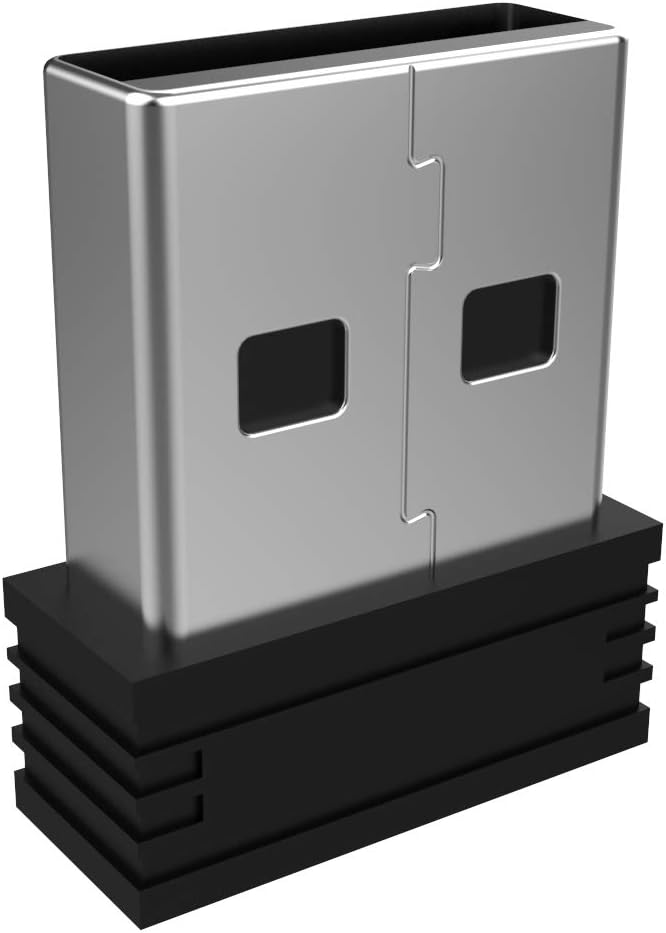
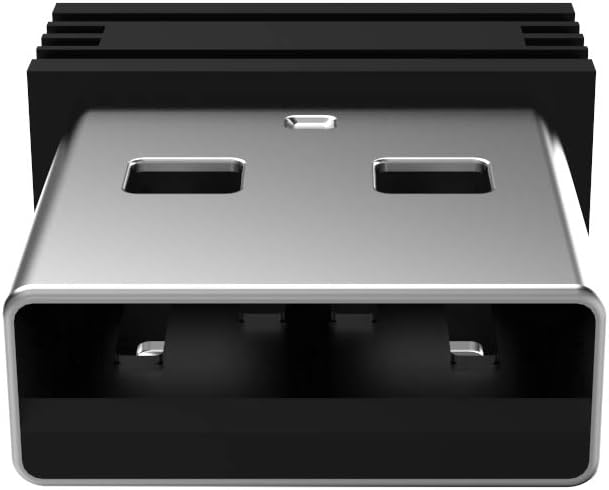
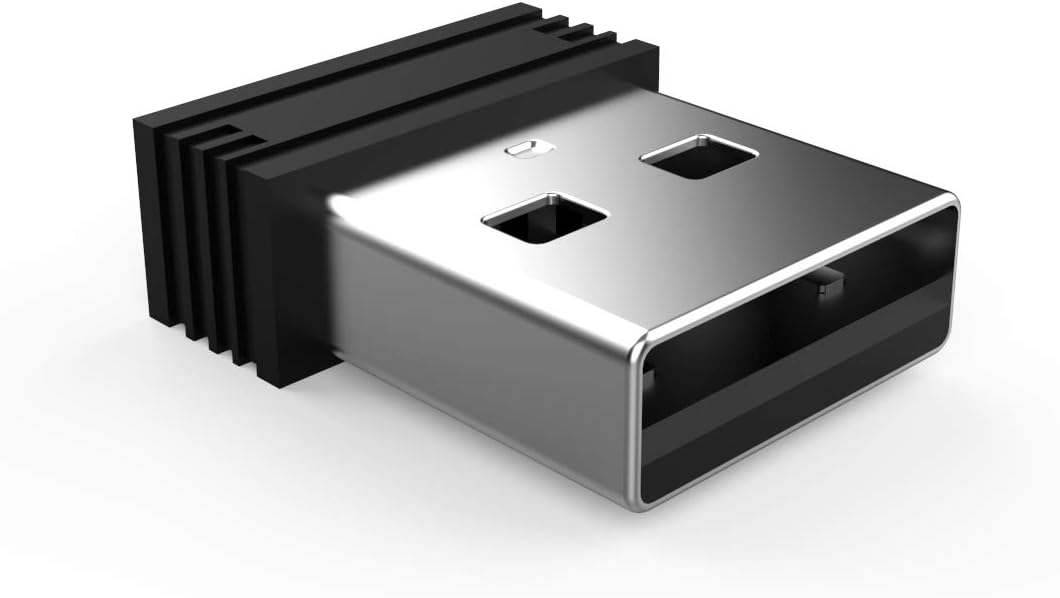
Lost your USB receiver or need a spare? This Arteck 2.4G Nano USB Receiver is the perfect replacement dongle designed to pair seamlessly with your compatible Arteck wireless keyboards and mice. Restore your wireless connection in seconds with this reliable, plug-and-play accessory.
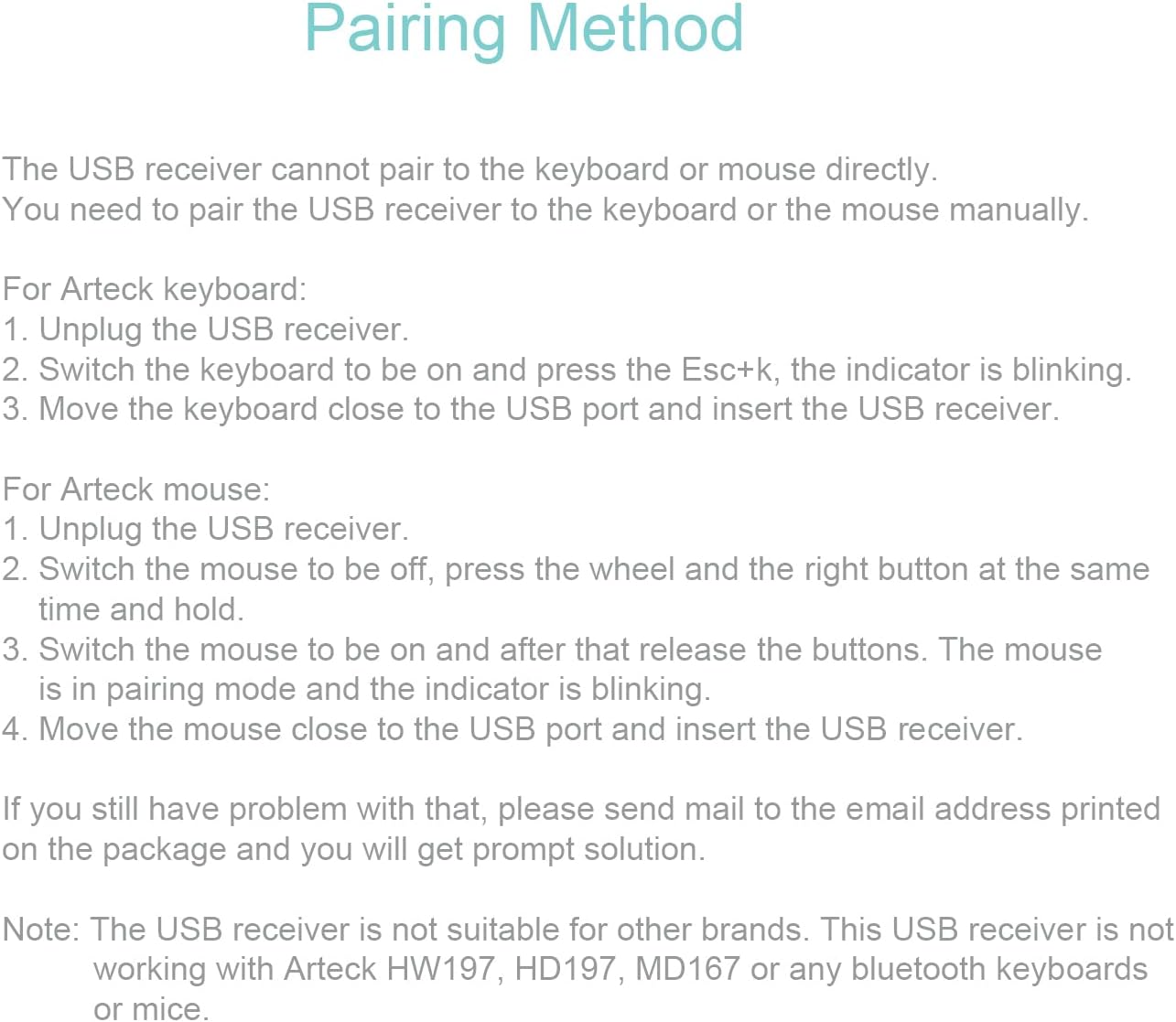
For Keyboards:
1. Turn on your keyboard.
2. Press and hold the Esc key and the K key simultaneously. The indicator light should begin blinking.
3. While the light is blinking, insert the USB receiver into an available USB port near the keyboard to establish the connection.
For Mice:
1. Ensure the mouse is switched OFF.
2. Press and hold the Right Button and the Scroll Wheel.
3. While holding the buttons, switch the mouse ON. Continue holding for 2 seconds, then release. The indicator light will blink.
4. Quickly insert the USB receiver into a port near the mouse to pair.
Please verify your device model before purchasing. This receiver is engineered exclusively for specific Arteck 2.4G wireless models. It is NOT compatible with the following models: GW28-3, HD323, HW197, HD197, HD315, K730, MD167, MD172, or any Arteck Bluetooth devices. This receiver will not work with keyboards or mice from other brands.